Gameplay · Crafted in Color
Color is now in vogue!
The latest update, Crafted in Color, brings a whole host of new features for colorizing and personalizing your buildings throughout the Verse!
As noted in the patch notes, the Fabricator window now includes a dedicated set of Style controls alongside its existing building tools. Select a placed object to work on its appearance.
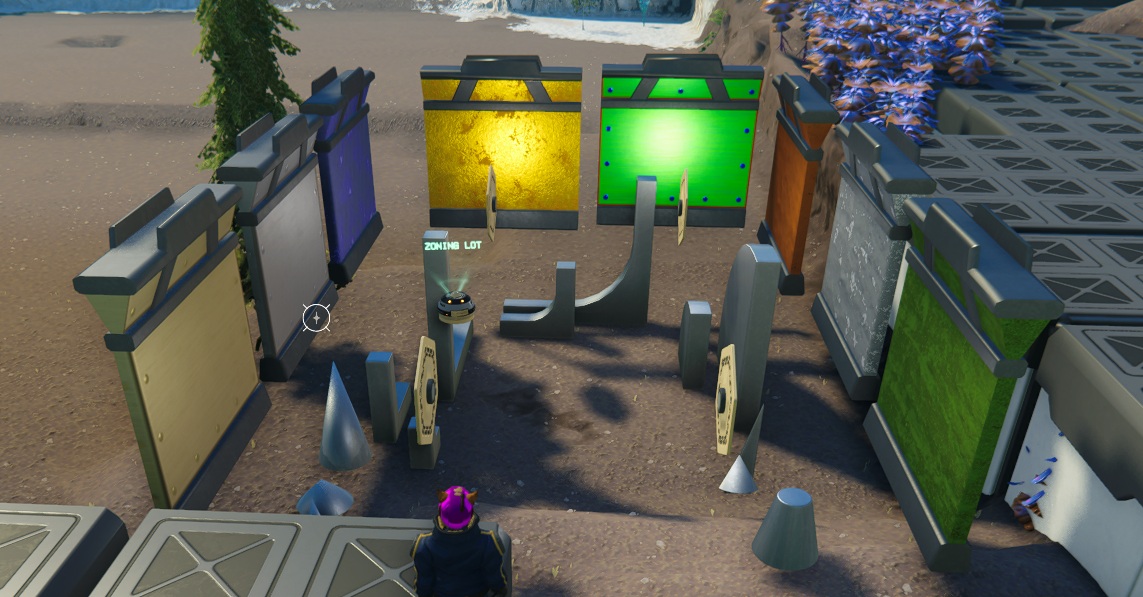
- Design · Paint paletteOpens the appearance editor for the selected object. Choose a surface region, browse or search for a finish, and preview supported color and pattern changes.
- Copy · EyedropperCopies the selected object’s appearance, including its finishes, colors, and pattern settings. You can use Ctrl-C for this (and it is remappable).
- Paste · Paint brushApplies the copied style to another object’s compatible surface regions. You’ll need the appropriate finishes and paints in your backpack. You can use Ctrl-V for this (and it is remappable).
- Reset · EraserRemoves the selected object’s custom appearance and restores its original look. This does not refund the supplies previously used.
- Grid · Uh… gridShows or hides the building grid, letting you switch between an alignment reference and an unobstructed view of your work. The grid no longer follows your cursor, and instead stays within the bounds of the homestead.
Now you can bring out your inner artist. What kind of creations can YOU dream up?
Read the Crafted in Color patch notes ↗